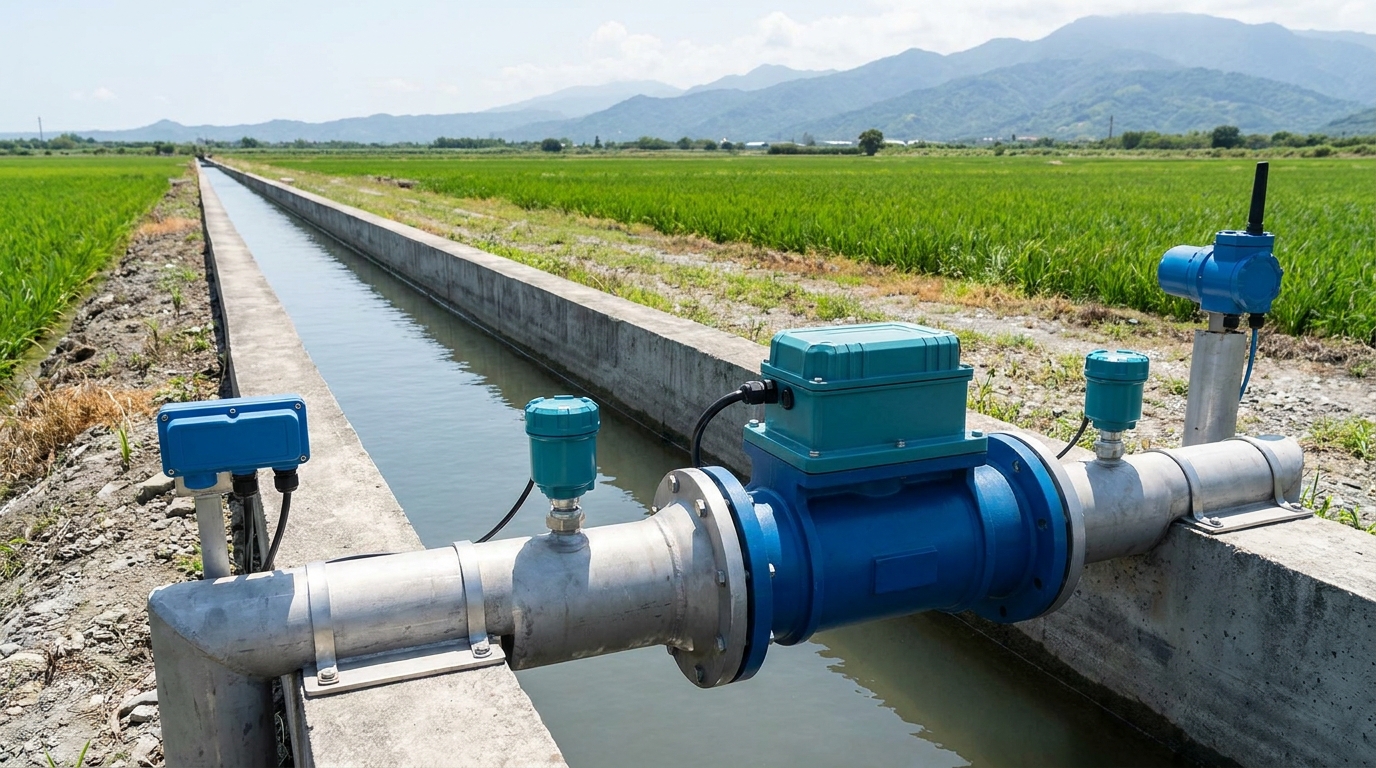
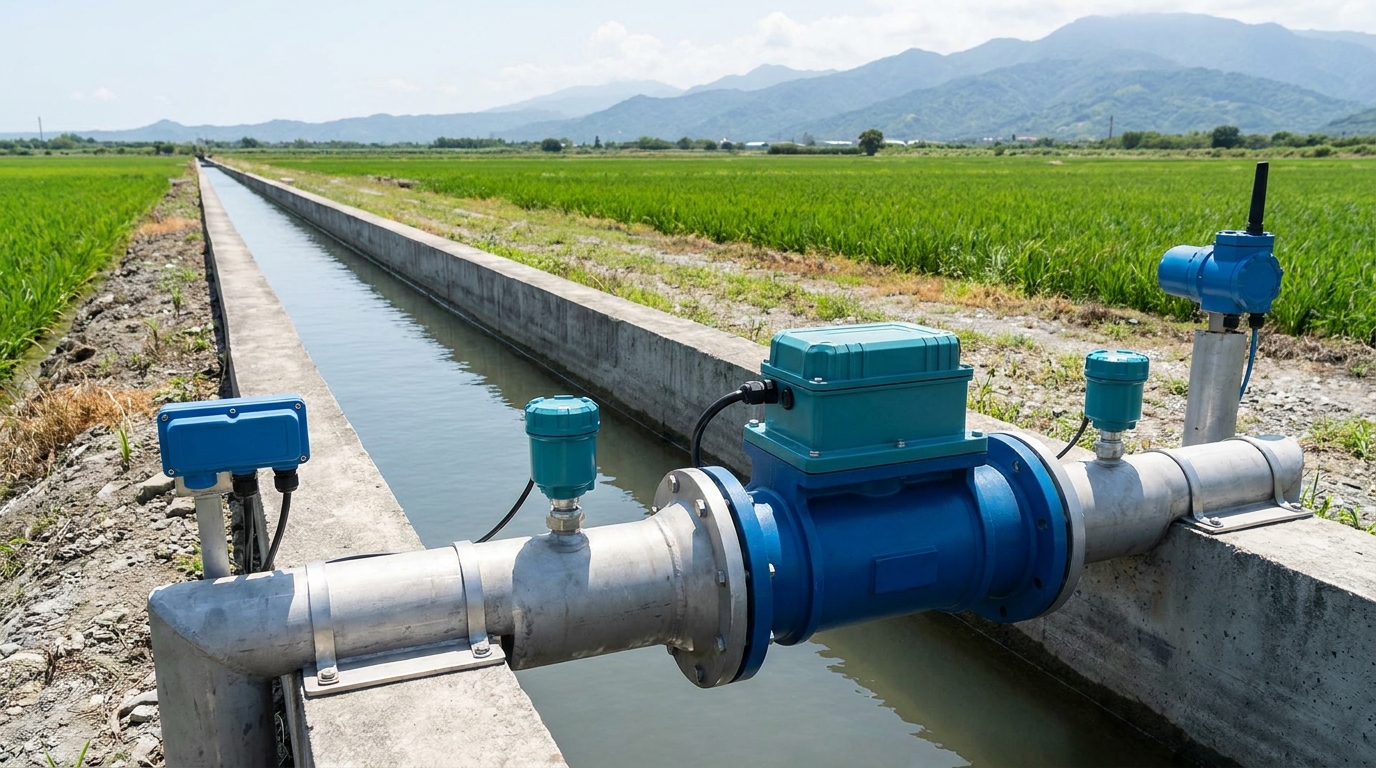
RTU Intelligent Terminal Installation Guide: Efficiency Enhancement for Water Monitoring Systems
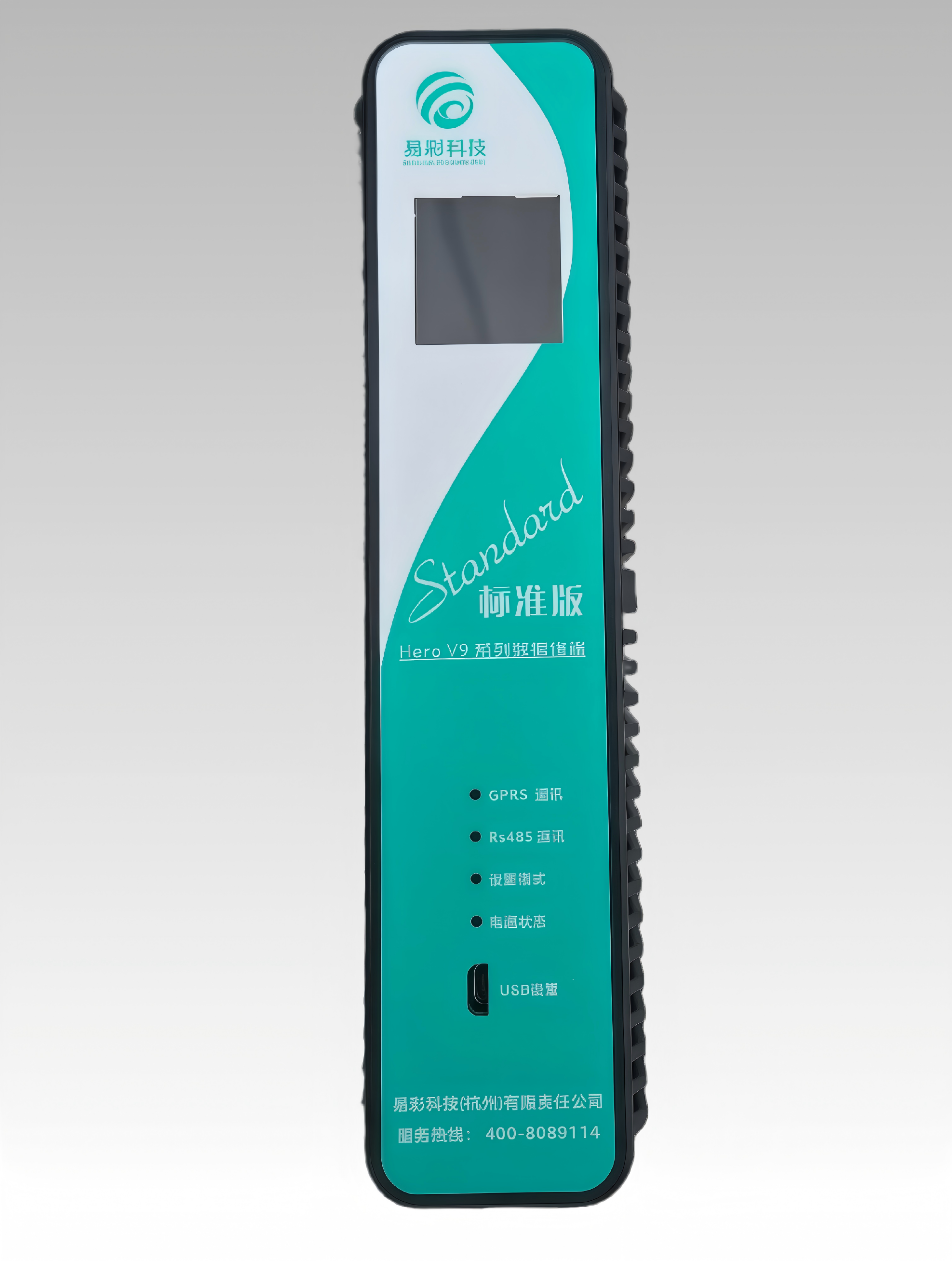
The professional installation of an RTU Intelligent Terminal is foundational to achieving a stable and reliable water monitoring system. As digitalization of water infrastructure accelerates, RTUs serve as the critical core for data collection and transmission, where installation quality directly impacts overall system performance.
HERO V9 RTU Terminal Core Technology
Ecolor Technology's latest HERO V9 series RTU intelligent terminal, powered by an ARM Cortex-A7 processor, features 4G/NB-IoT dual-mode communication and full compliance with the SL651 hydrological protocol. This combination provides robust technical support for modern water resource monitoring.
Preliminary Preparation for RTU Deployment
Conducting a Thorough Site Survey
Before installing your RTU terminal, a comprehensive site evaluation is essential. This involves verifying cellular signal strength for the 4G/NB-IoT communication and assessing the available power supply conditions to plan the optimal setup.
Equipment Inspection and Planning
Validate all RTU terminal functionality and prepare the necessary tools and mounting accessories. Develop a detailed installation procedure and contingency plan based on the specific site conditions to ensure a smooth deployment process.
Key Installation Points for Water Monitoring RTUs
Power System Installation for 24/7 Operation
When deploying solar power solutions, ensure the solar panel is positioned at the optimal angle and orientation for maximum charging efficiency. It is critical to configure adequate battery capacity to guarantee stable, round-the-clock operation of the water monitoring system.
Communication Interface and Sensor Connection
Follow strict wiring specifications when connecting RS485 and 4-20mA analog inputs. Implement proper lightning protection and grounding measures. For accurate signal acquisition, always use recommended compatible sensors with your intelligent terminal.
System Testing and Verification Procedure
Parameter Configuration
Use the dedicated configuration software to set the device address, data sampling intervals, and alarm thresholds according to your monitoring requirements.
Data Transmission Testing
Conduct real-time data collection tests to verify the accuracy of signal acquisition and the stability of data transmission to the central platform.
RTU Terminal Maintenance Recommendations
Schedule regular inspections of the device's operational status and its power system, particularly battery and solar panel health. Timely firmware updates are recommended to enhance system security and functionality.
Maintaining detailed equipment maintenance records and service history is crucial for long-term system reliability and efficient troubleshooting.
Conclusion and Technical Support
Professional installation and scientific deployment of the HERO V9 RTU intelligent terminal are crucial for building a stable, long-lasting water resource monitoring system. Ecolor Technology provides comprehensive technical support and after-sales service for all your water monitoring needs.
Contact for More Product Information
For further details on the HERO V9 series RTU or other water monitoring solutions, please contact our support team.
Phone: 400-808-9114
Website: www.cssoc.com
Recommended Products
Ecolor Technology provides professional instruments for smart water, environmental monitoring & industrial automation: